After starting and logging on to Ingenious.V12, you will have an initial view of the work area of Ingenious.V12. This consists of a main window that is opened in full view and that is automatically adapted to your selected monitor resolution.
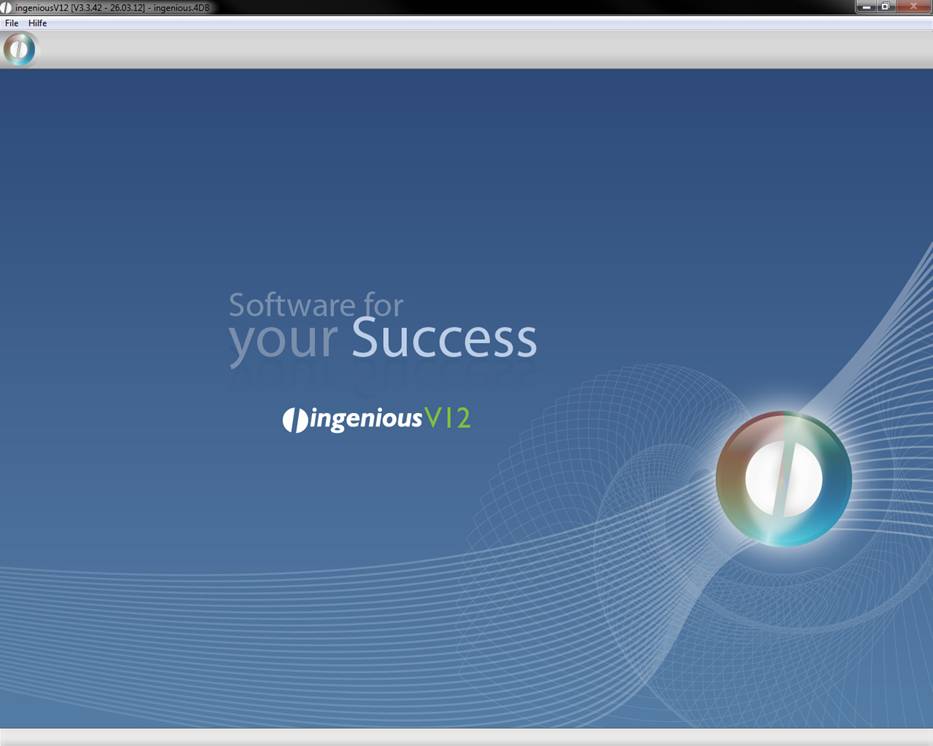
Ingenious.V12 work environment
You can open the main menu by clicking on the round ingenious V12-symbol in the left upper corner.
More windows can be simultaneously opened within this main window. From here, you can easily access the individual modules and management tools with the click of a mouse.
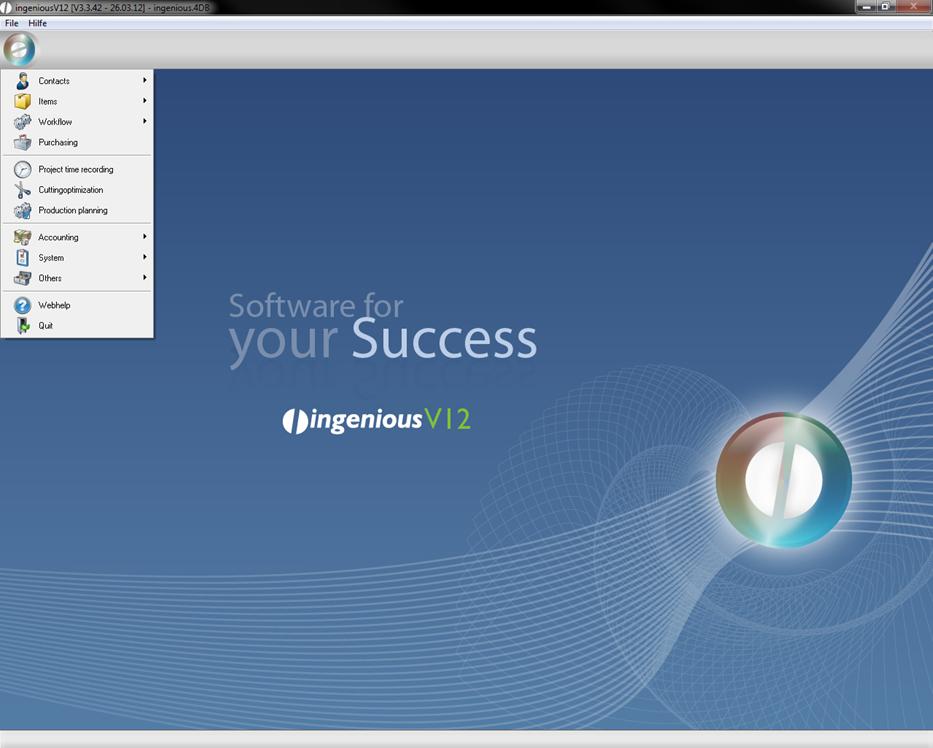
As soon as you move the cursor over an area, the color of the tab will change. With a simple mouse click you can open the desired module in a separate window.
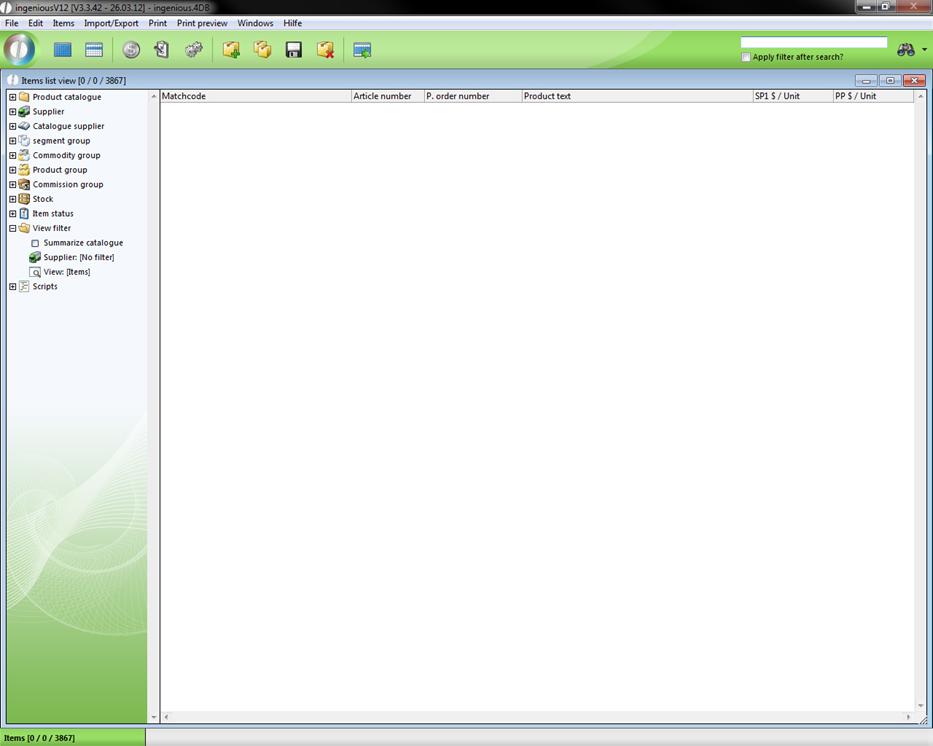
Work environment with an open window in Ingenious.V12